Why webshop stock stops matching the warehouse
The common reasons online shop stock drifts from warehouse or ERP numbers, how to find which one you have, and how to design a sync that stays correct.
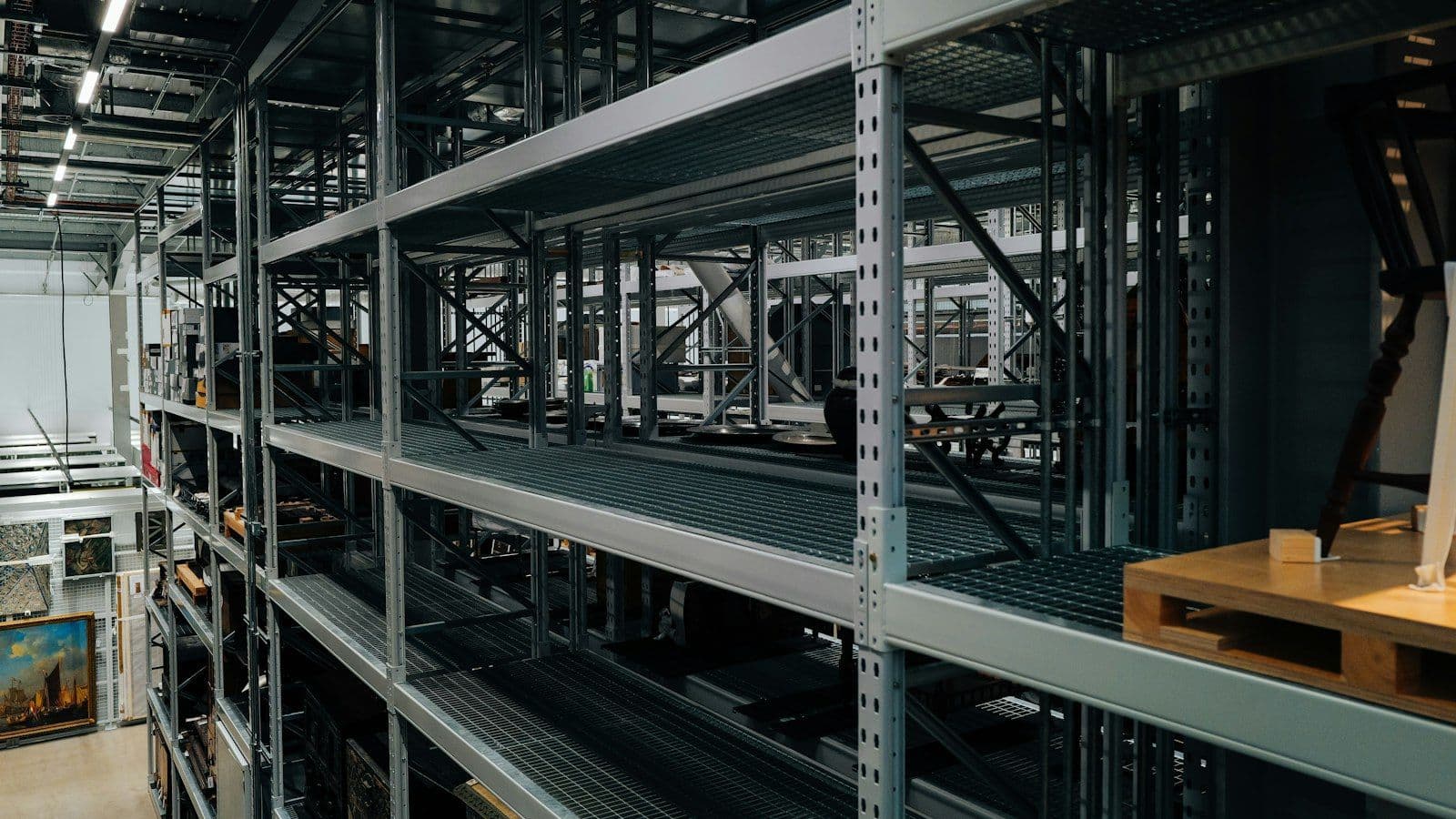
The shop shows five units in stock. A customer orders two. The warehouse has none, because the last three were sold in the physical store yesterday and the pallet that was due on Monday arrived short. Now someone has to phone the customer, refund the payment and explain. When this happens once a month it is an annoyance. When it happens every day, customers stop trusting the stock indicator and the shop loses the sales it could have made.
The short answer#
Webshop stock drifts from the warehouse for a small set of reasons: stock is synchronised in batches while sales continue between them; the shop and the warehouse count different things, such as physical stock versus stock that is still free to sell; several sales channels take from the same stock without reserving it; product codes do not match one to one because of variants, bundles or pack sizes; returns and cancellations are not sent back; and a sync fails partway without anyone being told. The fix is less about syncing more often and more about deciding which system owns which number, sending changes as they happen, reserving stock the moment an order is placed, and reporting every mismatch daily so drift is caught before a customer finds it.
The usual causes#
Batch sync with sales in between
Many integrations copy stock from the ERP or warehouse system to the shop every few hours. Anything sold in the physical store, on a marketplace or through a sales rep in that window is invisible to the shop until the next run. The fewer the units, the more likely an oversell.
Physical stock versus available stock
The warehouse system often reports what is on the shelf. The shop needs what can still be sold: what is on the shelf, minus what is already reserved for orders that have not shipped, minus damaged or quarantined goods. If the integration sends the physical number, every open order is counted twice.
Several channels, no reservation
A shop, a marketplace listing and a B2B portal all sell the same item. Each subtracts its own sales locally but none tells the others until the central system catches up. The last unit gets sold three times.
Codes that do not map one to one
The shop sells a T-shirt in four sizes; the ERP has four separate item codes. The shop sells a pack of six; the warehouse stocks single units. A bundle contains three products that are also sold separately. Unless the mapping is explicit, some of these quietly produce wrong numbers.
Returns, cancellations and manual edits
A cancelled order puts stock back in the shop but not in the ERP, or the reverse. A returned item is inspected and restocked in the warehouse, but nobody tells the shop. A staff member corrects a number in the shop admin, and the next sync overwrites it, or does not.
Silent partial failures
The sync job stops at item 3,412 because one product has invalid data. Items after that keep yesterday's numbers. No one is alerted because the job did not crash; it just finished early.
Find out which one you have#
- Pick ten products that oversold recently. For each, list every movement over the last week in both systems: sales per channel, receipts, returns, corrections.
- Compare the shop's number with the warehouse number at the same moment, and note the time of the last successful sync.
- Check whether the number the integration sends is physical stock or available stock.
- Look at the sync logs for the days in question. If there are no logs, that is the first finding.
Patterns show up quickly. If mismatches cluster just before each sync, it is timing. If they involve variants or packs, it is mapping. If they follow cancellations, it is the return path.
How to design a sync that stays correct#
- Decide ownership per field. Stock quantity is usually owned by the warehouse or ERP; the shop never edits it by hand. Prices, descriptions and images may be owned elsewhere. Write this down.
- Send available stock, not physical stock.
- Reserve on order. When an order is placed in any channel, reduce available stock in the owning system immediately, not when the order ships.
- Move from full batches to changes. Send a stock update when stock changes, and keep a slower full reconciliation as a safety net.
- Make every update idempotent. Sending the same update twice must not subtract twice.
- Keep an explicit mapping table for variants, bundles and pack sizes, and fail loudly on unmapped products.
- Log every run and alert a person when a run fails or processes fewer items than expected.
- Report mismatches daily: a list of products where the shop and the owning system disagree, with the difference.
- For fast-selling items with very low stock, consider a small safety buffer so the shop stops selling one unit before the warehouse reaches zero.
Stock is only one part of the data that travels between a shop and the back office. Orders, invoices and customers follow the same rules, covered in connecting an online shop to Horizon, Tildes Jumis or Visma. Shipments created in the warehouse rather than the shop also need locker and tracking data, as described in parcel lockers in checkout.
Nevo builds and repairs integrations between online shops, ERP and warehouse systems. The ERP integrations page describes how a project starts.