The company runs on Excel, and it is starting to show
Warning signs that spreadsheets have become a hidden system of record, the risks they carry, and how to choose between an existing tool and custom software.
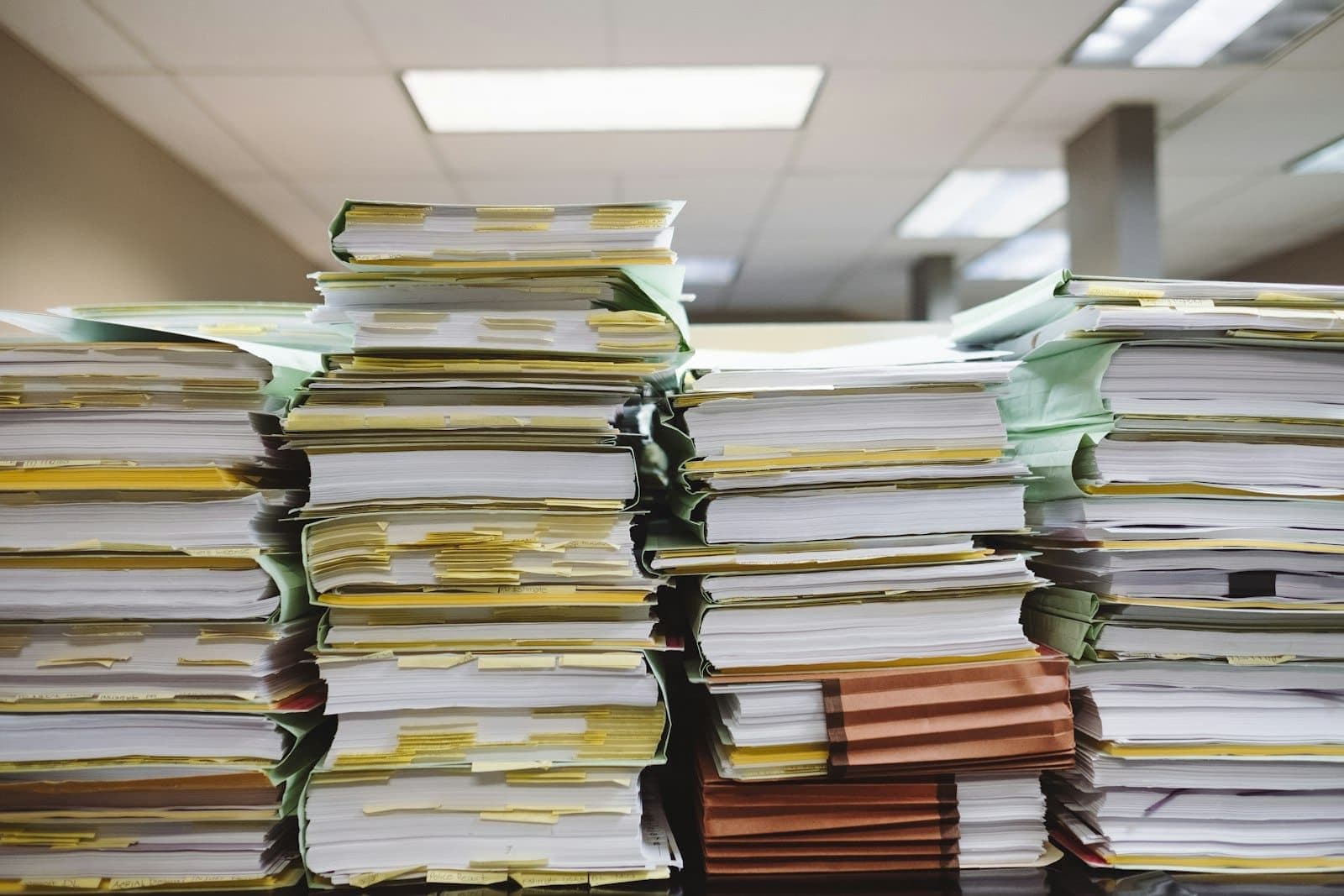
A familiar pattern: an order tracker starts as a shared spreadsheet. Years later it has eleven tabs, three colour codes that only two people understand, and a macro that breaks if someone sorts the wrong column. Every Monday someone copies numbers from it into another spreadsheet for the management report, and when that person is on holiday the report is late. Nobody decided to build a system on Excel. It happened one useful column at a time.
The short answer#
A spreadsheet has become a problem when it is acting as the company's system of record: several people edit it, other processes depend on its numbers, and mistakes in it cost money. The signs are consistent: versions multiply, only one person understands the structure, data is copied between files by hand, nobody can tell who changed what, and the file breaks or slows as it grows. The fix is not always custom software. First write down the process the spreadsheet supports. If a common tool such as a CRM, an accounting module or a project management product fits that process with small changes, use it. If the process is specific to how your company works and gives it an advantage, a small custom system can be the better fit. Either way, move the data once, carefully, and switch everyone over on a fixed date.
Signs a spreadsheet has become a system#
- There are files named
final,final2andfinal_really, and people disagree about which is current. - One person built it and is the only one who can fix it.
- Numbers are copied by hand from this file into another file or system every week.
- Several people edit it at once and overwrite each other's changes.
- There is no record of who changed a value or when.
- It contains personal data or prices, and anyone with the link can open it.
- It takes minutes to open, or formulas break when rows are added.
- Decisions are made on figures that someone has to "check first".
As a rule of thumb, one of these is normal. Three or more means the business depends on something that has no owner, no audit trail and no safeguards.
What it actually costs#
The obvious cost is time: copying, checking, fixing. The larger costs are quieter.
- Errors that reach customers: a wrong price, a missed delivery date, a duplicate invoice.
- Key-person risk: when the person who understands the file leaves, the knowledge leaves with them.
- Data exposure: files emailed and shared by link are hard to control.
- Decisions made late, because the report waits for someone to assemble it.
Before choosing a replacement#
Write down the process, not the spreadsheet. The spreadsheet shows how the process was squeezed into rows and columns; the replacement should fit the process itself.
- What starts the process, and what ends it?
- Who enters data, who reads it, and who approves anything?
- Which other systems does it take data from or send data to: accounting, the online shop, email?
- Which parts are unusual to your company, and which are the same as anyone else's?
- What must never go wrong?
Off-the-shelf or custom#
Choose an existing product when the process is common: managing sales leads, tracking tasks, issuing invoices, booking appointments. The product already solves the general case, it is maintained by someone else, and staff may already know it. Accept small changes to your process to fit it.
Consider custom software when the process is specific and matters to how you compete: how you calculate quotes, how you plan production, how you coordinate a type of service no product models well. Also consider it when an off-the-shelf tool would need so many workarounds that the spreadsheet comes back beside it. The article on custom software or off-the-shelf SaaS goes into that trade-off in more detail.
A useful test: if you tried three products and each one needed a spreadsheet next to it, the process is probably specific enough for custom work.
Moving off the spreadsheet#
- Freeze the structure: agree what each column means and clean the data.
- Build or configure the replacement for the real process, starting with the part that causes the most errors.
- Import the cleaned data and check totals against the spreadsheet.
- Run both in parallel for a short, fixed period.
- Switch on a set date, make the spreadsheet read-only, and keep it as an archive.
The step people skip is making the old file read-only. Without it, someone keeps updating it "just in case", and there are two systems again.
A replacement project is only as good as its first estimate, which is why it is worth reading why the first software estimate is usually wrong before asking for quotes. If the spreadsheet mostly feeds accounting, look at what to automate in a small accounting team first.
Nevo builds custom systems and connects them to the tools a company already uses. The custom software development page describes how a project begins.